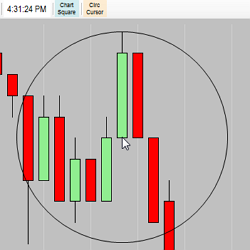
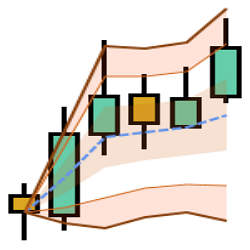
Need a quick way to measure X ticks from the cursor, for free? The IT_CircCursor is just that type of bare bones tool. Set the ticks in the parameters and click the toolbar button to activate. There are many free indicators to choose from, visit Integrity Traders today to learn more!
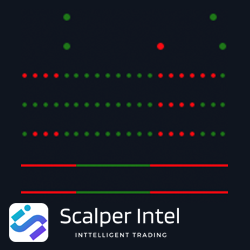
Trend Meter is an emerging indicator that combines multiple traditional methods of identifying trend direction in one single indicator. The indicator provides various selections of trend algorithms and allows you to select your favorite five. The indicator will turn green for bull signals.
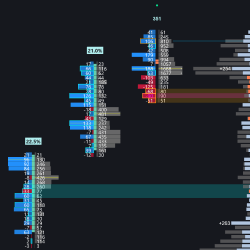
Upgrade tick-level data into clear footprint bars to spot A+ setups. Reveals real-time institutional order flow, including bid/ask/delta/total volume, delta imbalances, POC/bar value area, divergence/absorption, stacked imbalance zones, zero-print zones, and a volume profile with filtered delta.
Collect MAE/MFE data where NinjaTrader leaves off. Get the ability to measure your moves after you're out of the trade.
Weekly long form insights on the markets with weekly and twice daily algorithmic levels coupled with intraday NQ, ES and CL trading journal.
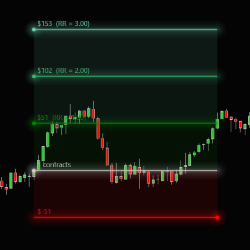
Advanced chart trader and visual stop loss and profit target planning with one-click bracket order entry for NinjaTrader 8. Drag to set entry, stop, and targets directly on your chart — the tool auto-calculates position size based on the max risk selected. Great for prop firm / eval trading!
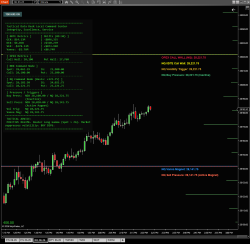
The TDD Master Command Center Public visualizes the "Invisible Structure" of the market—the mathematical levels where Market Makers are forced to act. Developed by Tactical Data Desk LLC, this suite bridges the gap between complex Schwab options data and your NinjaTrader 8 charts, providing the exac
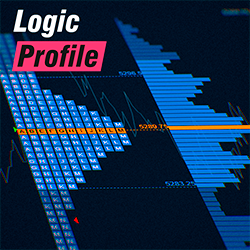
Includes volume profile and TPO market profile, presets for one-click charting, daily, weekly, monthly, date, composite, and drawn profiles. Offers defined or continuous session types and load optimization. All of these features make it one of the most advanced profiles available on the market.
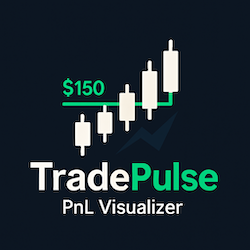
TradePulse displays potential profit and loss on charts at respective order levels, calculated based on entry price, order quantities, and instrument specifics. It automatically recalculates and repositions labels as you drag stop loss or take profit orders on the chart or modify them elsewhere.
DrawCator VWAP is a feature-rich drawing tool which plots VWAP (+SD Bands) by mouse drag-n-draw on custom start & end points. New Attach and Roll modes provide auto updating and forwarding with live markets. Alerts, Ninjascripting, Strategy & Market Analyzer and 1-Click draw are all supported.
May 31, 2026
Order Flow Trading Explained: Order Types, Absorption, and Taking Emotion Out of Execution
May 14, 2026
Order Flow Analysis with AI Integration: A Practical Guide for Traders
April 20, 2026
Your Optimal Strategy Already Exists
Enter Email for Updates